









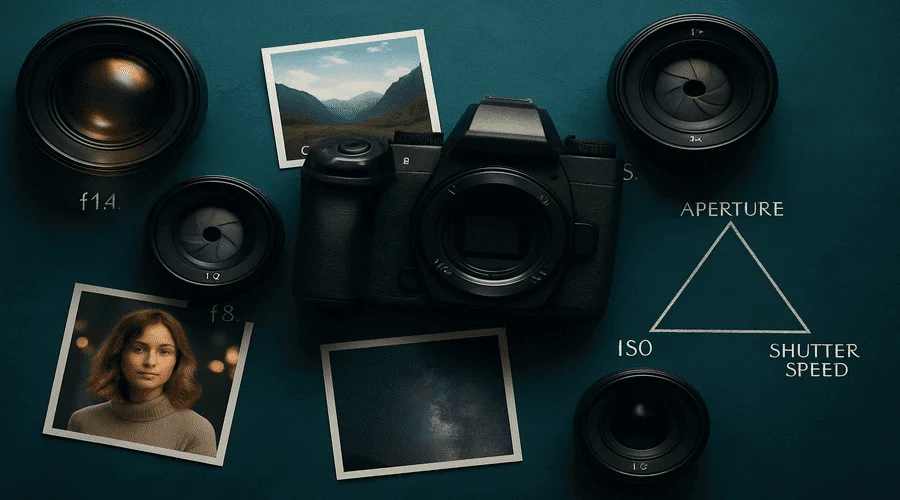
Aperture in photography is one of the most powerful tools in a photographer’s toolkit. Whether you’re capturing dreamy portraits with soft backgrounds or sweeping landscapes with crystal-clear details from front to back, aperture plays a central role in shaping the final image.
More than just a setting on your camera, aperture affects how much light reaches the sensor, how much of your scene stays in focus, and even how sharp your photo turns out. Understanding how it works—and how to use it creatively—can transform your photography from ordinary to extraordinary.
In this guide, we’ll break down what aperture is, how it influences your photos, and how to choose the right aperture for different genres and shooting scenarios. From beginners learning the exposure triangle to experienced shooters refining their technique, this article will help you unlock the full creative potential of aperture
What is Aperture?
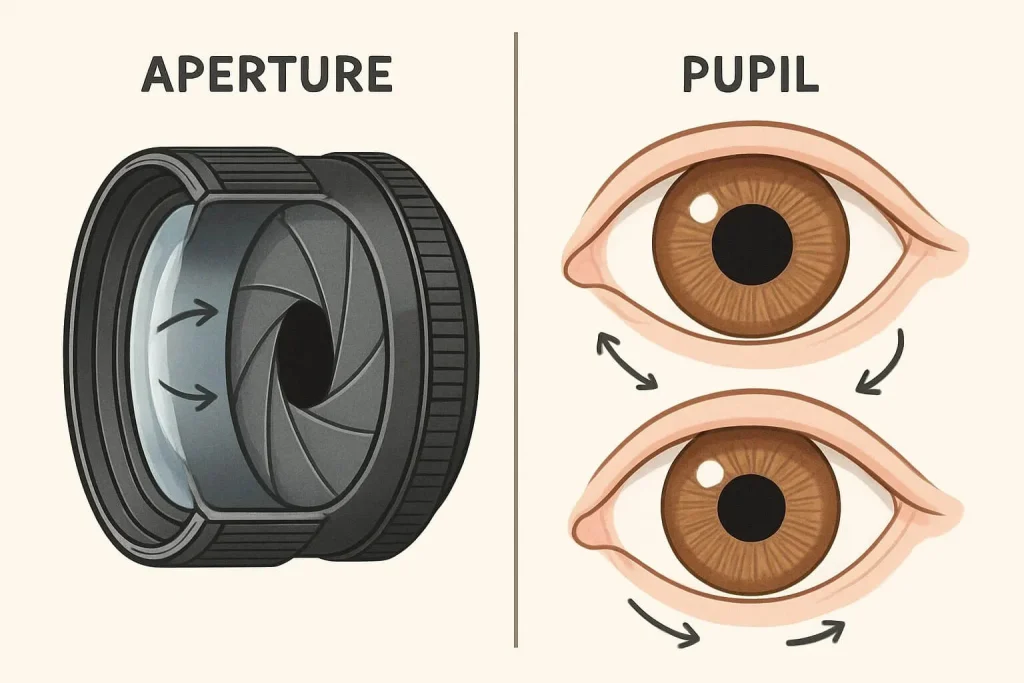
Aperture is the opening in a camera lens through which light passes to reach the camera’s sensor or film. Think of it like the pupil of your eye — it can expand or contract to regulate how much light enters. In photography, aperture is expressed in f-stops — numbers like f/1.4, f/2, f/2.8, f/4, f/5.6, f/8, f/11, f/16, and f/22.
The f-stop number is the ratio of the lens’s focal length divided by the diameter of the aperture. For example, a 50mm lens with a 25mm aperture opening corresponds to f/2 (50 ÷ 25 = 2). Lower f-stop numbers mean a wider aperture opening, and higher numbers mean a smaller opening. This inverse relationship takes some practice to grasp.
How Aperture Affects Exposure
Aperture is one of the three elements in the exposure triangle, alongside shutter speed and ISO. Together, they control the brightness or darkness of your image.
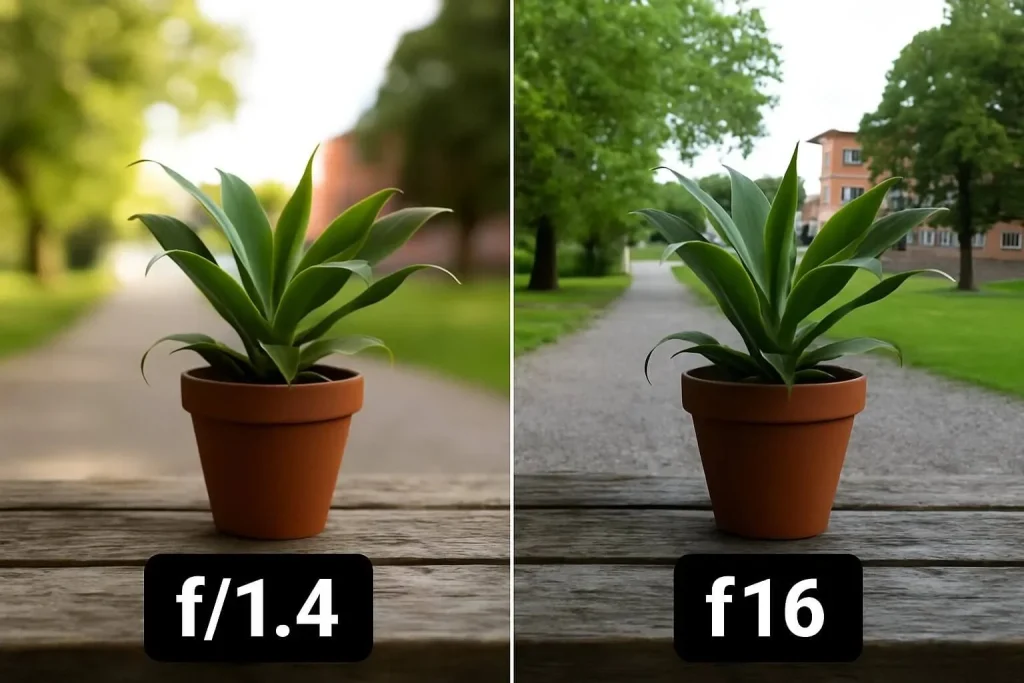
- Wide Aperture (Low f-stop, e.g., f/1.4): Allows more light to enter, brightening the image. Ideal for low-light scenes or when a shallow depth of field is desired.
- Small Aperture (High f-stop, e.g., f/16): Lets in less light, darkening the image. Perfect for bright conditions or when a deep depth of field is needed.
Opening the aperture impacts not just exposure but also depth of field and sharpness — all important creative factors. To fully understand how aperture, ISO, and shutter speed work together, Photography Life offers a clear and accessible explanation.
Depth of Field and Aperture
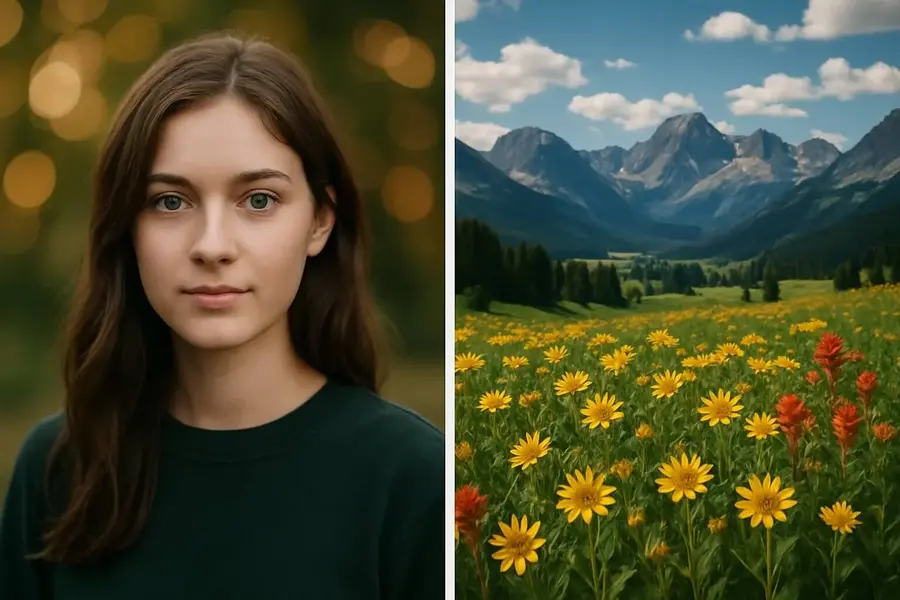
Depth of field (DoF) describes how much of the scene is in focus.
- Shallow DoF (Low f-stop, e.g., f/1.4): Focuses sharply on the subject, blurring foreground and background. Common in portrait photography to separate the subject from distractions.
- Deep DoF (High f-stop, e.g., f/16): Keeps foreground and background sharp, favored in landscapes for maximum detail.
Your aperture choice depends on the effect you want to achieve and your photography style.
Aperture and Lens Sharpness
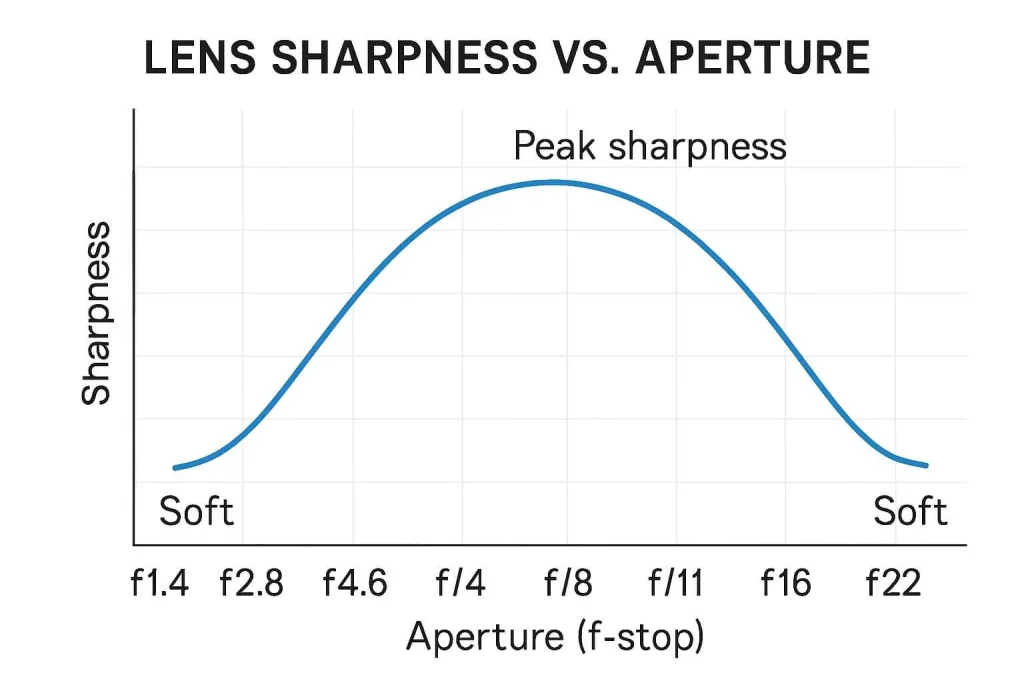
Aperture affects light intake and depth of field, but also influences lens sharpness. Most lenses have an optimal aperture range (usually around f/8 to f/11) where sharpness peaks. Wider apertures (f/1.4 or f/2) may produce slightly softer images or vignetting, while very small apertures (f/22) can cause diffraction, reducing sharpness.
Knowing your lens’s “sweet spot” helps capture the best quality, but creative goals often take precedence over pure sharpness. If you want to upgrade your gear for better aperture control, see our review of the best cameras for photography.
Aperture Priority Mode
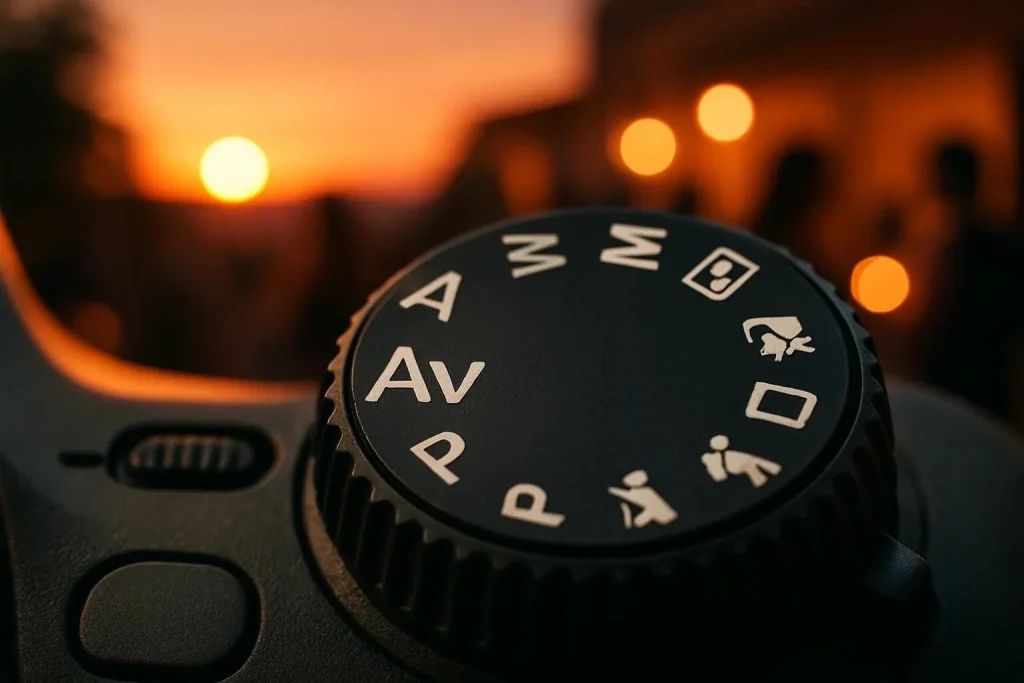
Aperture Priority mode (“A” or “Av”) lets you choose the aperture while the camera sets the shutter speed. It’s ideal for changing light conditions, helping you control the depth of the field without worrying about exposure. If you want to experiment with how the exposure triangle works in real time, check out this interactive exposure triangle tool by Peta Pixel.
Practical Aperture Applications in Photography
Understanding how aperture influences your images helps you make creative choices across various photography genres. Here’s a quick guide on which apertures to use and what effects you can expect:
- Portraits (f/1.4 – f/2.8): Smooth, blurred backgrounds to make subjects pop.
- Landscapes (f/8 – f/16): Full scene in focus from foreground to horizon.
- Macro (f/5.6 – f/11): Sharp subjects with softly blurred backgrounds.
- Street (f/5.6 – f/8): Balance focus and context.
- Low Light (f/1.4 – f/2.8): Bright images without increasing ISO.
- Product (f/4 – f/8): Emphasize product details with subtle background blur.
- Astrophotography (f/1.4 – f/2.8): Capture faint starlight clearly.
- Architecture (f/8 – f/16): Sharp details from front to back.
- Wildlife (f/2.8 – f/5.6): Isolate subjects from busy backgrounds.
- Bokeh Effects (f/1.4 – f/2.8): Artistic, circular out-of-focus highlights.
- Group Photos (f/5.6 – f/8): Keep everyone in focus.
- Waterfalls (f/11 – f/16): Long exposures for silky water.
- Food (f/2.8 – f/5.6): Highlight the main dish.
- Events (f/2.8 – f/4): Adapt quickly in changing light.
- Black & White: Use aperture to control mood and texture.
Conclusion: Mastering Aperture in Photography
Aperture is a powerful tool that shapes exposure, depth of field, and image sharpness. By learning how to use aperture effectively, you gain full creative control to produce photos that truly reflect your vision. Whether shooting portraits, landscapes, or any style in between, mastering aperture opens new doors to creativity.
Remember, photography blends technical knowledge with experimentation. Don’t hesitate to try different apertures and see how they transform your images. Over time, you’ll develop an intuitive feel for which settings suit each situation, helping you capture your perfect shot every time.
Frequently Asked Questions
What aperture should I use for portraits?
For portraits, use a wide aperture between f/1.4 and f/2.8. This creates a soft, blurry background that makes the subject stand out.
How do I choose the right aperture in low light?
In low light, choose a wide aperture like f/1.4, f/1.8, or f/2.8. This lets in more light without raising ISO too high, reducing noise.
What does f-stop mean?
An f-stop is the number that represents the aperture size. Lower f-stops mean a wider opening and more light. Higher f-stops mean a smaller opening and less light.
What aperture should I use for bokeh?
For strong bokeh, use a wide aperture like f/1.4 to f/2.8. This creates smooth, round background blur.