









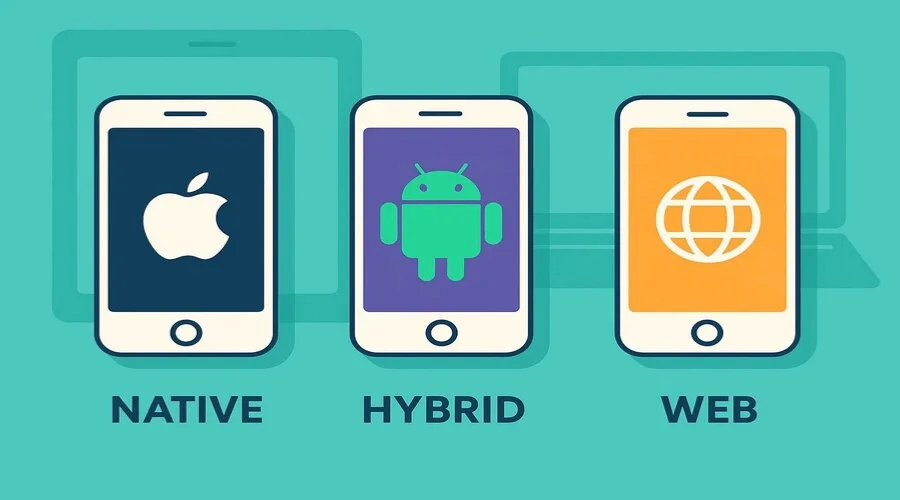
Native vs Hybrid vs Web Apps are three popular app development approaches, each designed for different performance, cost, and platform needs. Native apps deliver the best speed and full device access, hybrid apps balance cross-platform development with moderate performance, while web apps focus on accessibility and lower maintenance. Choosing the right option in 2026 depends on your app’s complexity, budget, and target users.
Which is Best in 2026?
In Native vs Hybrid vs Web Apps, native is best for performance, hybrid for faster development, and web apps for low-cost accessibility.
What Are Native, Hybrid, and Web Apps?
Before diving into comparisons, let’s define each app development type. For a broader overview, see our beginner’s guide to mobile app development.
01. Native Apps
Native apps are made just for one platform, like iPhone (iOS) or Android. They are developed using platform-specific programming languages, such as Swift for iPhones and Kotlin for Android devices (see the Android app development guide for official documentation)
Mini Case Study: Instagram
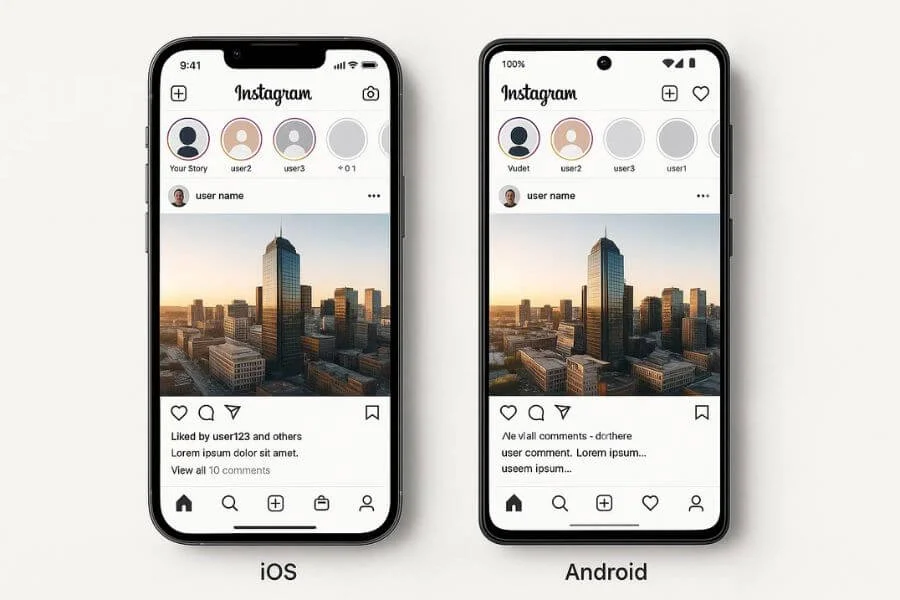
Instagram uses native apps for iPhone and Android to make the app fast and smooth. By building separate apps for each platform, Instagram can use phone features like the camera, notifications, and offline photo storage, keeping users happy and engaged.
Key Features
- Made for a Specific Platform: Works only on iOS or Android.
Fast Performance: Optimized for the platform for smooth usage. - Access to Device Features: Uses camera, GPS, contacts, and more.
- Better User Experience: Feels like a natural part of the device.
- Offline Access: Can function without internet (depending on the app).
- App Store Availability: Downloadable from Google Play or Apple App Store.
While native apps are great for performance, not every project needs a platform-specific approach. That’s where hybrid apps come in.
02. Hybrid Apps
Hybrid apps mix features of native apps and web apps. They are built using web technologies like HTML, CSS, and JavaScript, but run inside a native container. This allows them to function as cross-platform apps. Popular tools for building hybrid apps are Ionic and React Native for hybrid app development.
Mini Case Study: Uber
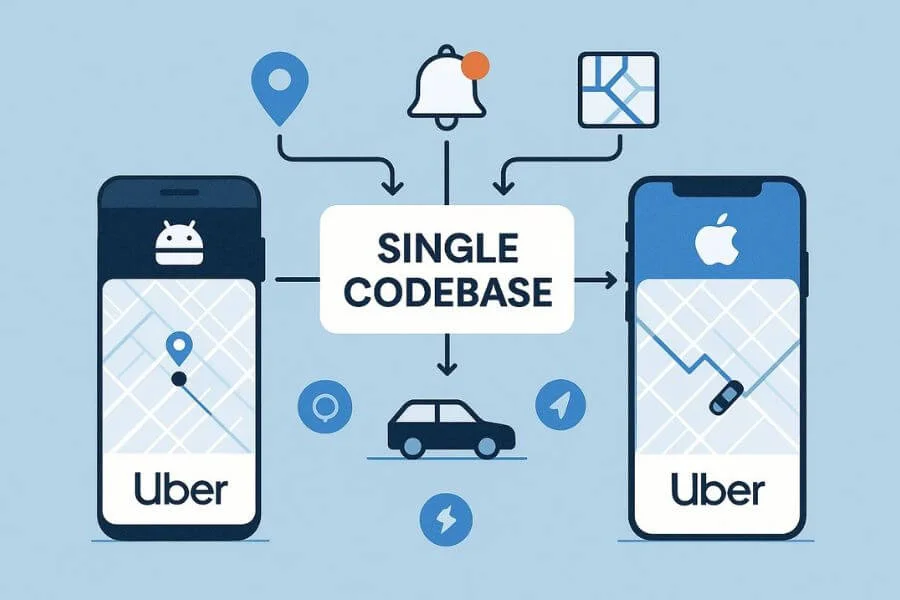
Uber uses a hybrid app to work on both iPhone and Android with just one code. This lets Uber use important phone features like GPS and notifications. It also makes it faster to update the app for all users, helping Uber grow quickly around the world.
Key Features
- Works on Multiple Platforms: Single codebase for iOS and Android.
- Developed with Web Technologies: HTML, CSS, and JavaScript.
- Installed Like Native Apps: Downloadable from app stores.
- Access to Some Device Features: Camera, GPS, notifications, with some limitations.
- Faster Development: Quicker and more cost-effective than separate native apps.
- Internet Connection May Be Needed: Some features require online access.
If you want an even simpler approach without app installation, web apps could be the right choice.
03. Web Apps
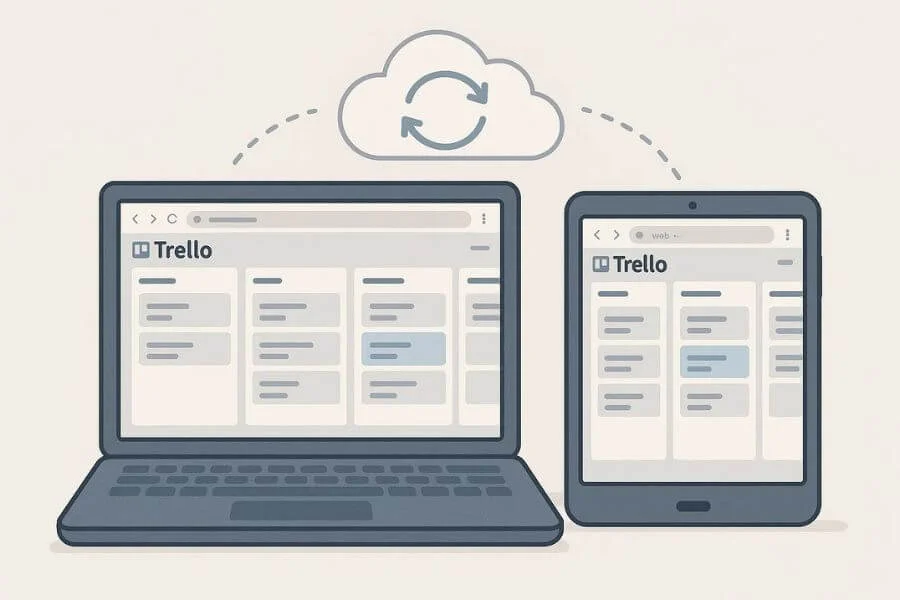
Web apps are essentially websites optimized to look and behave like mobile apps. These apps open in a browser and don’t need to be downloaded or installed. Examples include Google Docs, Trello, and Gmail.
Mini Case Study: Trello
Trello is a web app designed for cross-device accessibility. Users can manage boards from any device without downloading the app. Trello’s web-first approach ensures instant updates and easy maintenance, making it ideal for collaborative work environments.
Key Features
- Runs in a Browser: No download needed; works on any device.
- Platform Independent: Works on iOS, Android, Windows, or Mac.
- Easy to Update: Users always see the latest version instantly.
- Internet Connection Required: Most features need online access.
- Limited Device Access: Can’t fully use device hardware, though some features are possible.
- Cost-Effective: Usually cheaper and faster to develop than native or hybrid apps.
Now that we understand each app type individually, let’s compare their key differences side by side.
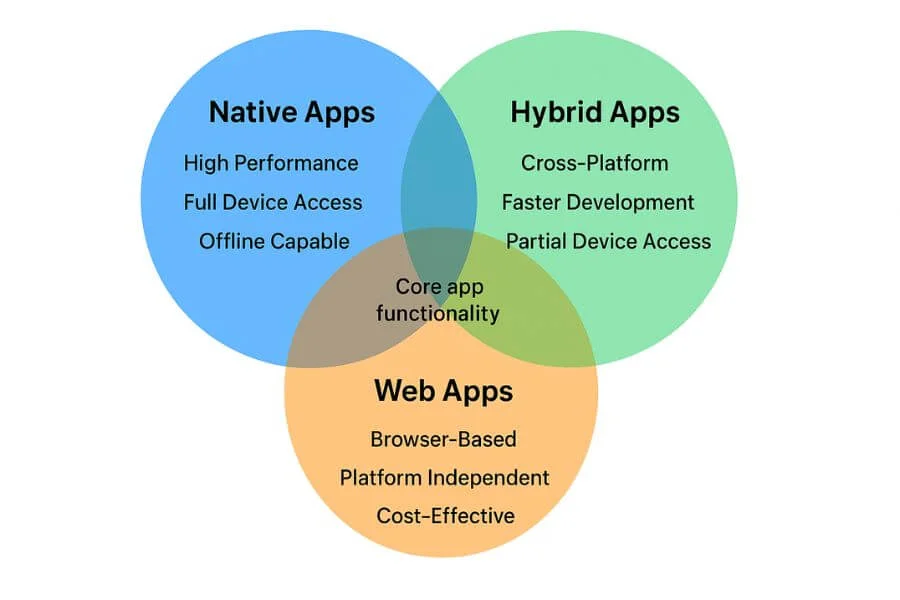
Key Differences Between Native vs Hybrid vs Web Apps
| Feature | Native Apps | Hybrid Apps | Web Apps |
| Platform | Built for a specific platform (iOS or Android) | Can run on multiple platforms | Runs in any web browser |
| Programming Languages | Platform-specific (Swift for iOS, Kotlin for Android) | Web technologies (HTML, CSS, JavaScript) inside a native wrapper | HTML, CSS, JavaScript |
| Performance | Fast and smooth | Slower than native, faster than web | Depends on browser; usually slower |
| Device Features | Full access to the camera, GPS, etc. | Access to most features, but sometimes limited | Limited access to device features |
| Installation | Download from App Store | Download from App Store | No installation needed; accessed via browser |
| Offline Use | Can work offline | Some offline functionality | Usually requires the internet |
| Development Cost | High (separate code for each platform) | Medium (one codebase for multiple platforms) | Low (single codebase for all devices) |
| Updates | Updates via app store | Updates via app store | Updates instantly online |
Understanding these differences helps clarify the pros and cons of each approach.
Pros and Cons of Native vs Hybrid vs Web Apps
Now that we’ve compared the key features of native, hybrid, and web apps, let’s take a closer look at the pros and cons of each app type.
Native Apps
Pros
- Best performance
- Full access to device features
- Great offline experience
Cons
- Expensive to develop for multiple platforms
- Longer development time
Hybrid Apps
Pros
- Faster development with a single codebase
- Cross-platform compatibility
- Easier to update
Cons
- Limited access to device features compared to native
- Slightly lower performance
Web Apps
Pros
- Cheapest to develop
- Works on any device with a browser
- Easy to maintain
Cons
- Cannot fully utilize device hardware
- Limited offline capabilities
- Performance depends on the browser
So, which app type should you actually choose for your project?
Which One Should You Choose?
Choosing the right app development type depends on your project, budget, timeline, and audience:
- Native Apps: Best if you want top performance, smooth user experience, and full access to device features—but they cost more and take longer to build.
- Hybrid Apps: A good middle ground if you want to reach multiple platforms quickly and affordably, with most device features available.
- Web Apps: Ideal if you want a simple, low-cost app that works on any device and doesn’t require installation, but may have limited features and slower performance.
Tip: Think about what matters most for your users—speed, features, cost, or ease of access—then pick the app type that fits those priorities.
Common Questions About Native, Hybrid, and Web Apps
1. Which is cheaper to develop?
Web apps are generally the cheapest, followed by hybrid apps. Native apps are the most expensive due to separate development for each platform. Development cost also depends on the stages of building an app—our Step-By-Step Mobile App Development Process in 2026 explains this in detail.
2. Can a hybrid app replace a native app completely?
It depends on your app’s complexity. Hybrid apps work well for simpler applications but may fall short for graphics-heavy or highly interactive apps.
3. Do web apps work offline?
Most web apps require an internet connection, though some Progressive Web Apps (PWAs) offer limited offline functionality.
4. Which type offers the best performance?
Native apps provide the smoothest and fastest performance since they are built specifically for the platform.
5. How does app maintenance differ?
Native apps require separate updates for each platform, whereas hybrid and web apps have a single codebase, making maintenance easier and faster.
Conclusion
Choosing between native, hybrid, and web apps depends on your project goals and what matters most for your users. Native apps are best for high-performance, feature-rich solutions. Hybrid apps provide cross-platform benefits with faster development, while web apps are cost-effective and widely accessible.
If you want professional guidance or a custom mobile solution, explore our Mobile App Solutions to get started. By understanding the differences between Native vs Hybrid vs Web Apps, you can make an informed choice that meets your business goals.