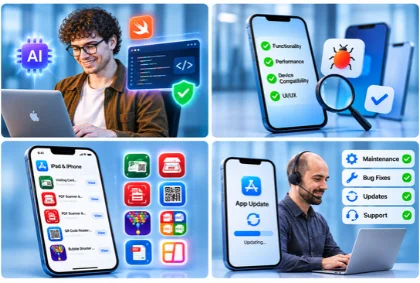
AI-Assisted iOS App Development Services
Graphics Cycle builds custom iOS apps for startups and growing businesses. We use AI-assisted workflows for design, coding, and testing, with engineers reviewing every stage. From App Store submission to post-launch support, we help bring your app idea to life.
iOS App Development Services
We provide end-to-end iOS app development services, from initial design and custom development to testing, integration, and ongoing support.
-
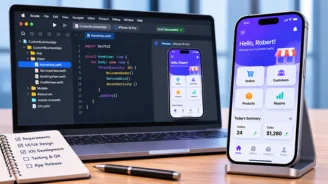
Custom iOS App Development
Build custom iOS applications tailored to your business requirements, user needs, and product goals.
-
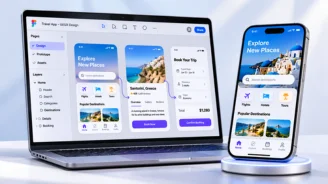
iOS UI/UX Design and Prototyping
Design intuitive user flows, interfaces, wireframes, and clickable prototypes before development.
-
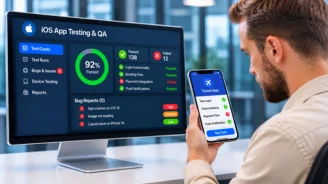
iOS App Testing and Quality Assurance
Test app functionality, device compatibility, and performance to identify bugs before release.
-

iOS App Maintenance and Support
Keep your app updated with bug fixes, compatibility updates, and ongoing improvements.
-
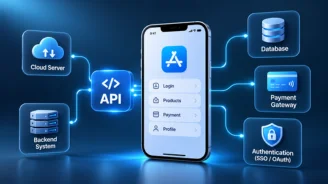
API and Backend Integration
Connect APIs, backend systems, SDKs, and third-party services based on your app's requirements.
-
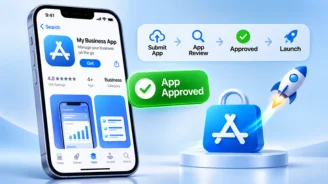
App Store Submission and Launch
Prepare your app for submission, address applicable review requirements, and support the launch process.
Our iOS App Development Process
We follow a structured iOS app development process to move your project from initial planning to launch and ongoing support.
-
Step 1
Discovery and Product Planning
Define business goals, target users, app requirements, and project scope before development begins.
-
Step 2
Technical Architecture and Feasibility
Plan app architecture, evaluate technical requirements, and identify necessary integrations and dependencies.
-
Step 3
UI/UX Design and Prototyping
Create user flows, intuitive interfaces, and interactive prototypes to shape the app experience.
-
Step 4
App Development and Integration
Build core app features and connect the required APIs, backend systems, and external services.
-
Step 5
Testing and Quality Assurance
Check app functionality, device compatibility, and performance to identify and resolve potential issues.
-
Step 6
App Store Launch and Ongoing Support
Prepare for App Store submission and maintain the app with updates, fixes, and ongoing support.
Explore Our iOS App Development Portfolio
Explore our iOS apps for document scanning, PDF tools, QR code scanning, and photo editing. Our portfolio showcases practical iOS apps built around everyday user needs.
-
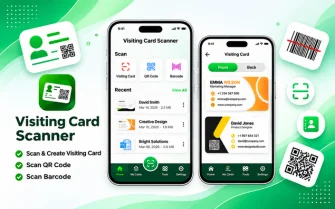
Visiting Card Scanner & Maker
Scan visiting cards, QR codes, and barcodes. Create, save, and share information with ease.
View on App Store -
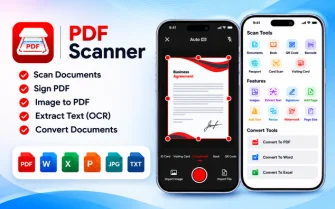
PDF Scanner & Converter App
Scan documents and convert files to PDF for convenient digital document management.
View on App Store -
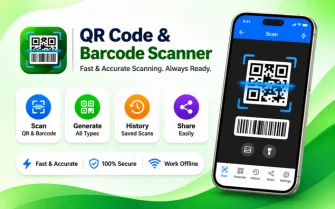
QR Code Reader & Barcode Scanner
Scan QR codes and barcodes, create custom codes, and personalize them with templates and colors.
View on App Store -
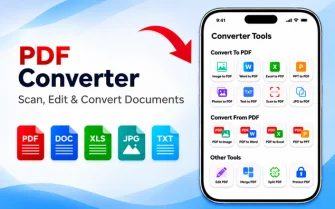
PDF Converter: Maker & Scanner
Convert PDFs, images, and documents. Edit, compress, and sign PDF files easily.
View on App Store -
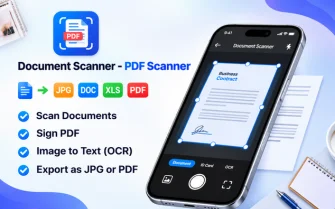
Document Scanner & Scan to PDF
Scan documents, sign files, export PDFs or JPGs, and extract text with ease.
View on App Store -

Pic Collage Maker: Photo Frame
Create photo collages with creative layouts and frames to showcase your favorite moments.
View on App Store
Why Choose Graphics Cycle for iOS App Development?
We combine app development experience with a practical, collaborative workflow to help businesses build iOS applications.
- Real iOS Apps on the App Store
- AI-Assisted Workflow with Engineer Oversight
- Structured Testing Before Launch
- Clear Communication Throughout the Project
- Post-Launch Maintenance & Support